![main logo with tagline dark background.png]](https://faq.digitaljoy.media/hs-fs/hubfs/main%20logo%20with%20tagline%20dark%20background.png?height=40&name=main%20logo%20with%20tagline%20dark%20background.png)
-
Create or edit an engagement.
-
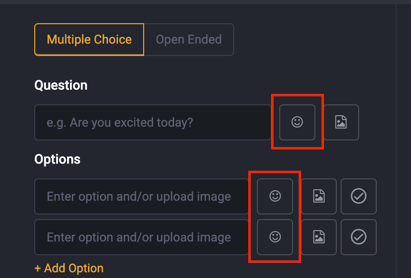
Click the icon/emoji picker next to your question or option.
-
Select your preferred emoji.
Emoji picker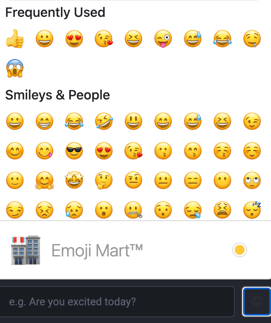
-
Save and publish your poll. Your selection will instantly appear in the engagement preview.
Create or edit an engagement.
Click the icon/emoji picker next to your question or option.
Select your preferred emoji.
Emoji picker
Save and publish your poll. Your selection will instantly appear in the engagement preview.